
Billing & Insurance Eligibility
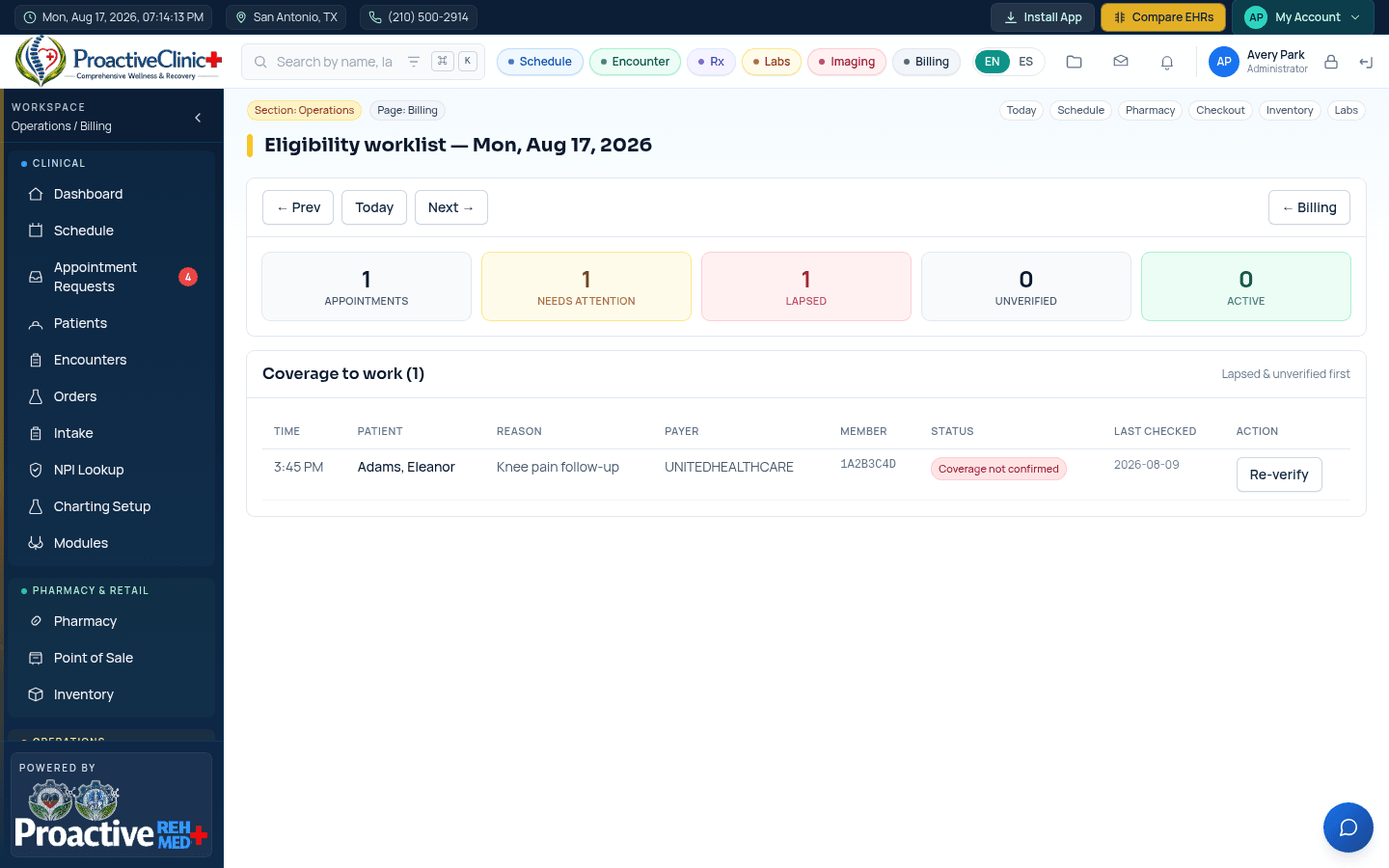
Check coverage, view the eligibility report, and manage patient balances.
For: Front desk, billingCoverage is verified automatically at registration and can be re-checked any time. The Billing area covers eligibility, patient balances, statements and the connection to the Revenue Cycle workspace.
Run an eligibility check
Eligibility
- 1Open the patient chart → Coverage, or Billing → Eligibility Report.
- 2Confirm payer and member ID, then click Verify/Re-verify.
- 3Review the returned benefits: plan status, copay, deductible and coverage dates.
- 4The result is saved to the patient and reused in scheduling and claims.
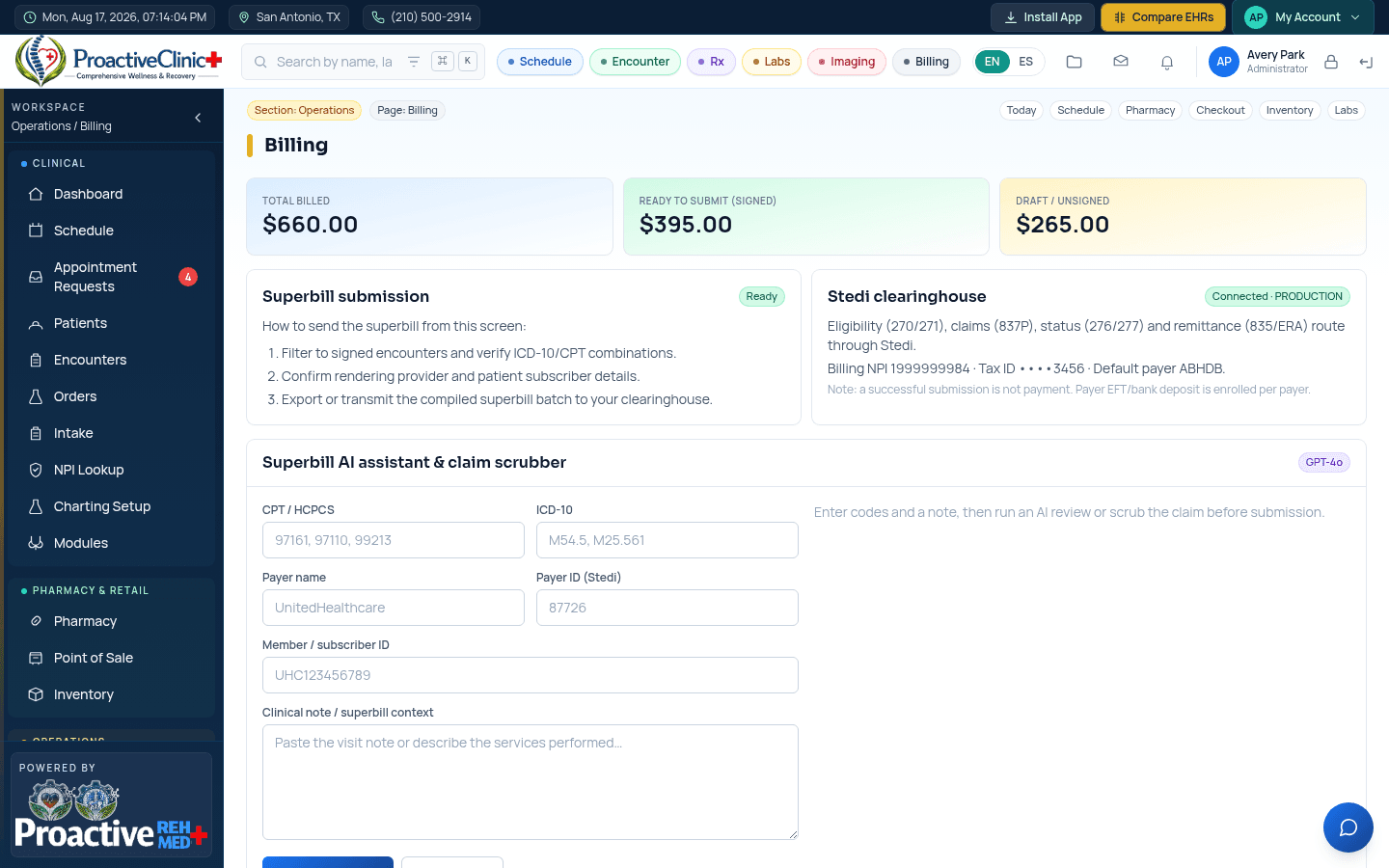
Tip:Eligibility, claims and ERA run through Stedi. If a check fails, confirm the payer ID and member ID are correct before retrying.