
Records Requests & EHI Export
Fulfill records requests and export a patient's full record (ONC Cures Act).
For: Front desk, HIM, adminAttorney / records requests
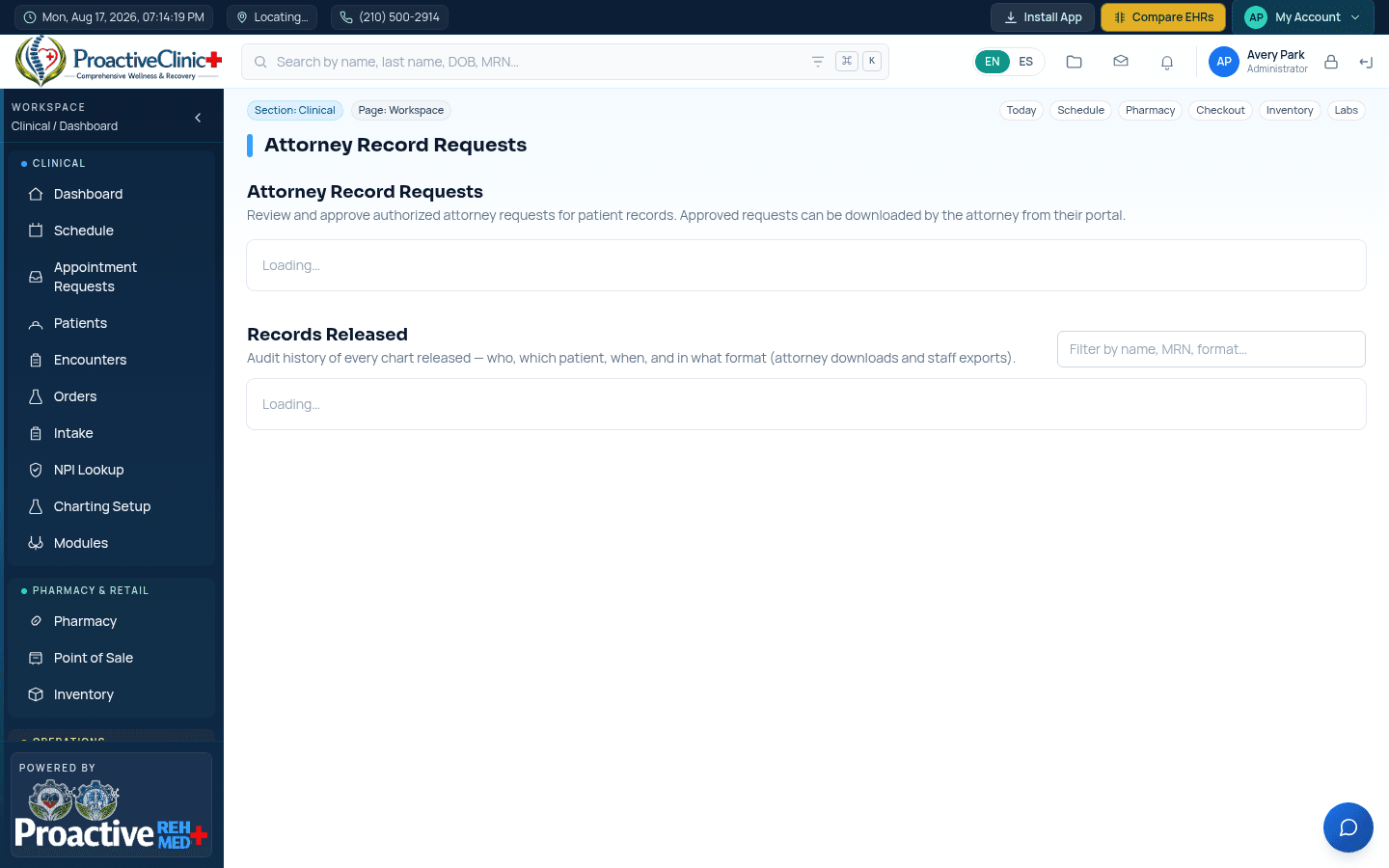
Approve and release
- 1Open Records Requests to see incoming attorney requests.
- 2Verify the patient identity and approve (or deny) the request.
- 3Once approved, the attorney downloads a Summary PDF or C-CDA from their portal.
- 4Every release is logged in the “Records Released” history (who, which chart, when and in what format).
EHI Export (Cures Act)
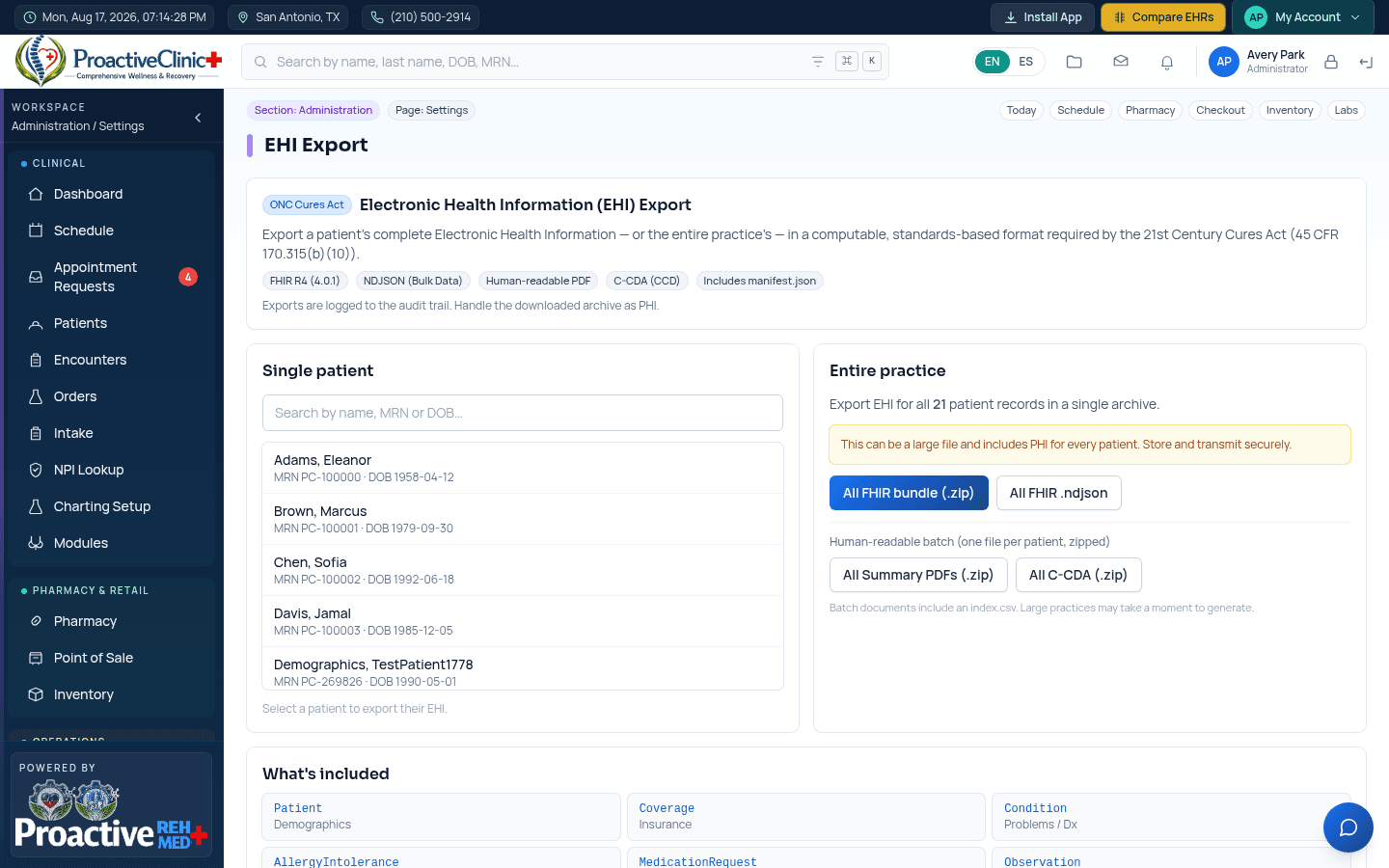
Settings → EHI Export produces a patient's — or the whole practice's — Electronic Health Information in standard formats required by the 21st Century Cures Act (45 CFR 170.315(b)(10)).
Export a record
- 1Open Settings → EHI Export.
- 2For one patient: search and select them, then choose Summary PDF, C-CDA (.xml), FHIR bundle (.zip) or FHIR .ndjson.
- 3For the whole practice: use the batch buttons to export everyone as FHIR, or as a zip of per-patient PDFs / C-CDAs.
- 4Exports are audit-logged; handle the files as PHI.