

Settings & Admin
Configure the clinic, users, roles, catalogs, integrations and data tools.
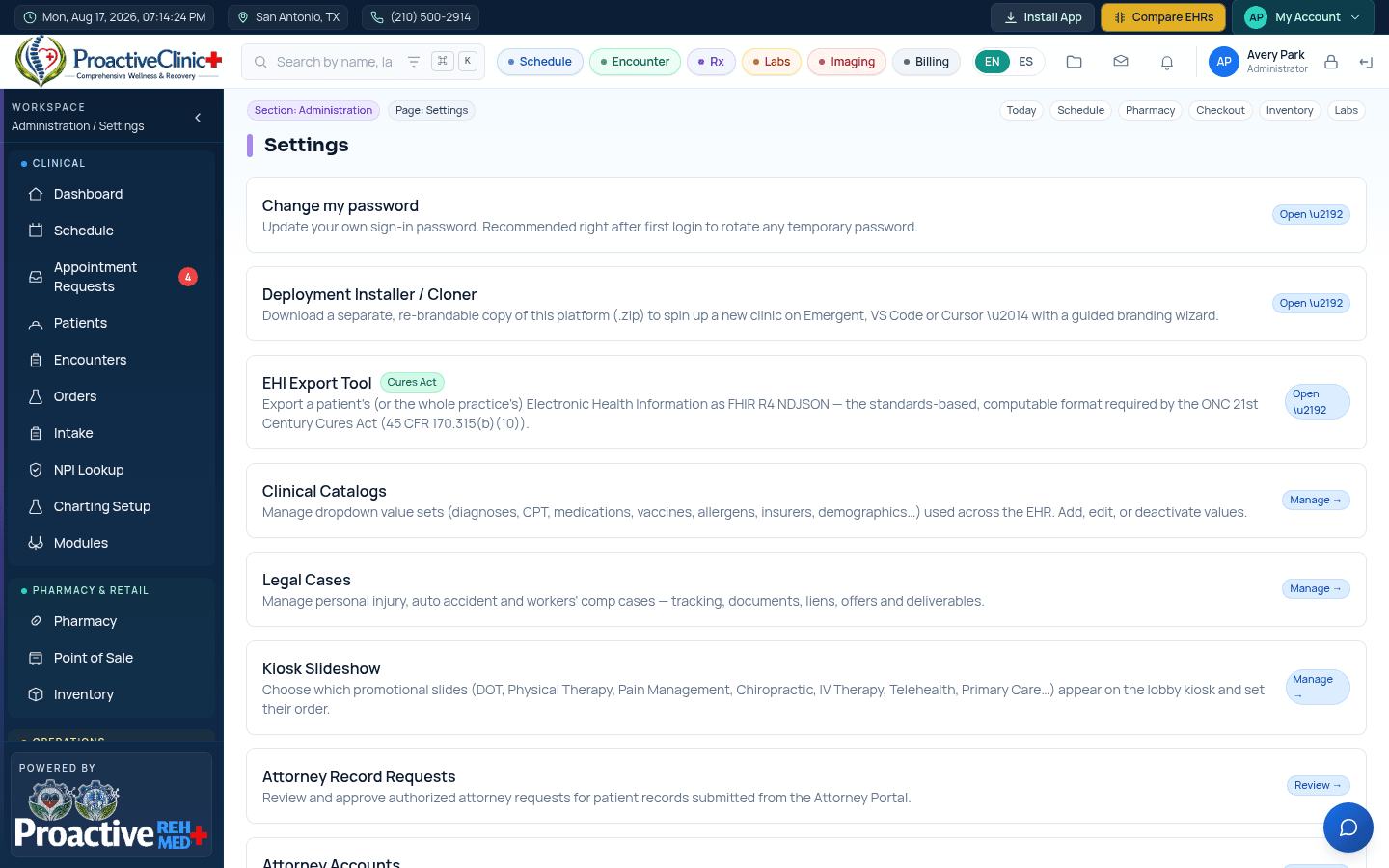
For: AdminsAdmins manage the clinic from Settings: users and roles, clinical catalogs (services, problems, meds), charting templates, branding, integrations and operational modules. Role-based access controls what each staff type can see and do.
Common admin tasks
- 1Add a user: Admin → Users → invite, set role and provider details (add an NPI so they appear in the eRx “Prescribe as” list).
- 2Enable a module (e.g., pharmacy routing, Labcorp): Admin operational settings.
- 3Weno e-prescribing: Admin → Connections → Weno EZ Integration to set credentials, sync the pharmacy directory, and register prescribers.
- 4Connect a data source for migration: Settings → FHIR import (Practice Fusion / Veradigm).
- 5Export EHI or clone the platform installer from Settings.
Tip:Changes made in preview must be redeployed to appear on your live site.